
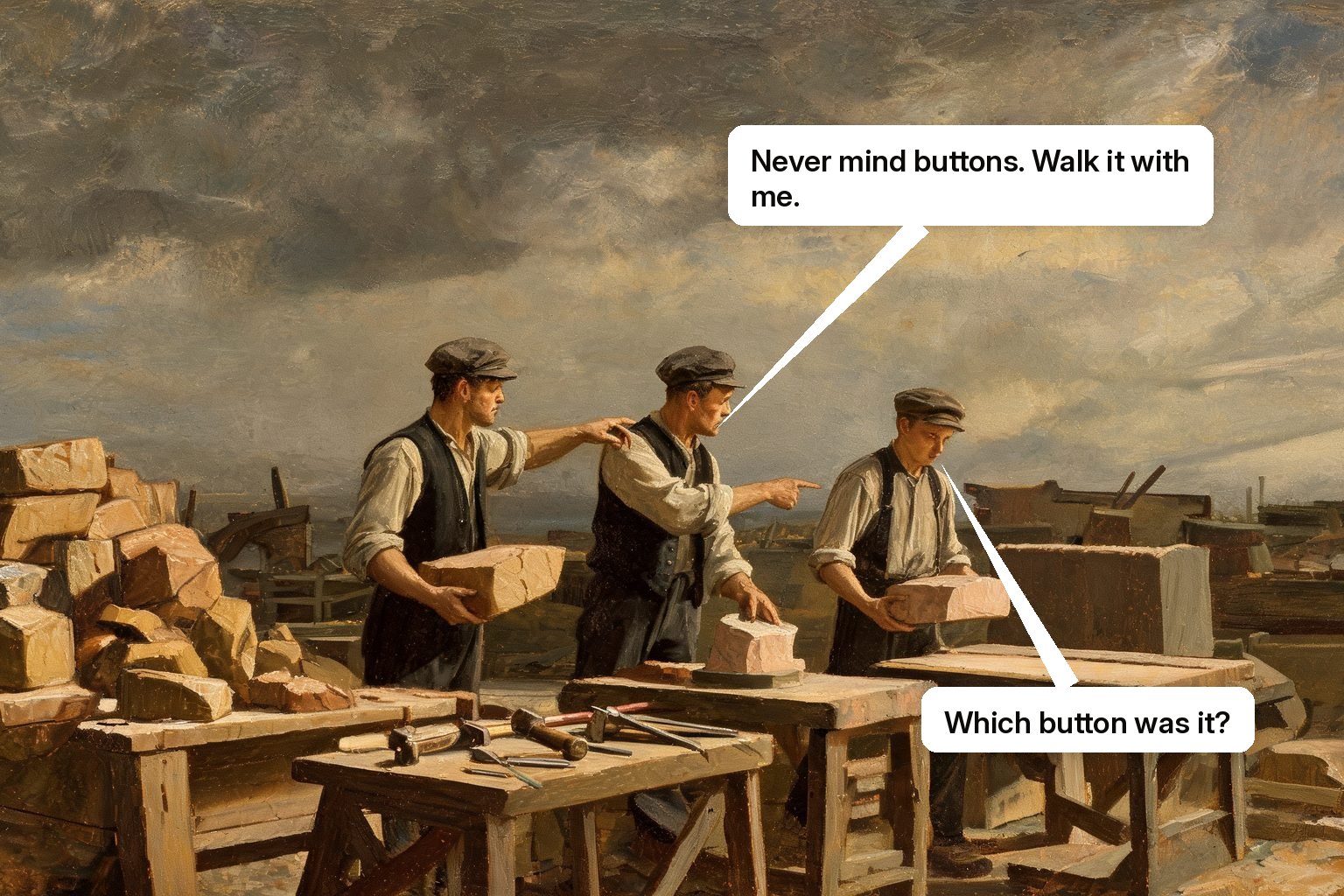
A workflow walkthrough teaches a process: the sequence, the decisions, the exceptions, and the reasons, performed end to end in the real tools. It differs from a button tour, which teaches locations: where things are on a screen. Users rarely fail because they can't find a button. They fail because they don't know the process the buttons belong to.
What a real walkthrough contains
Four layers, in order. The spine: the end-to-end path through the real tools, demonstrated on the learner's own screen with their configuration. The decisions: the forks that require judgment, and the rule or reason behind each ("if the amount exceeds the threshold, it routes to finance, here's why"). The exceptions: the cases that generate your support tickets and your process drift, taught deliberately instead of discovered painfully. The recovery: what to do when it goes wrong mid-flow, because it will, and untrained recovery is where small errors become incidents. A walkthrough that covers only the spine is a tour with good manners; the value concentrates in the last three layers, which are exactly what static guidance can't carry.
Why walkthroughs need a live trainer
The four layers demand perception and conversation. Decisions need a learner who can ask "but what if..." and get an answer now; exceptions need scenarios matched to this team's actual cases; recovery needs someone watching the attempt to see where it derails. A live training agent does the full sequence: demonstrates the spine, narrating decisions; then supervises the learner running it in practice mode, spine first, then exceptions, then a recovery drill; then records the outcome per learner. And when the process spans tools, CRM to ticketing to the finance system, the walkthrough follows the process across them, because the agent works where the user works rather than inside one vendor's overlay. (Disclosure: process walkthroughs are core Skippr Skippr AI training work, demonstration, supervised practice, verified performance, and the exception cases come from what the account actually encounters.)
Turning your processes into walkthroughs
Start with the process your team gets wrong most expensively. Have its best operator narrate a run: every fork, every exception, every "oh, and never do X." That narration is the curriculum; the tour of buttons was never more than its table of contents. Then let the walkthrough evolve: every new exception a team hits is the next scenario, so the process training compounds instead of aging out.
Questions buyers actually ask
Aren't in-app walkthrough bubbles already workflow walkthroughs?
They walk the happy-path spine and stop there. Decisions, exceptions, and recovery, the layers where work actually fails, need demonstration, conversation, and supervised practice.
How long should a workflow walkthrough take?
One session for the spine and decisions, one or two spaced practice sessions for exceptions and recovery. Short and repeated beats long and once; the finish line is an unassisted run, not a completed tour.
Watch it train someone
Completion is not competence, and the difference shows up in the product rather than the dashboard. Fifteen minutes is enough to tell them apart.