
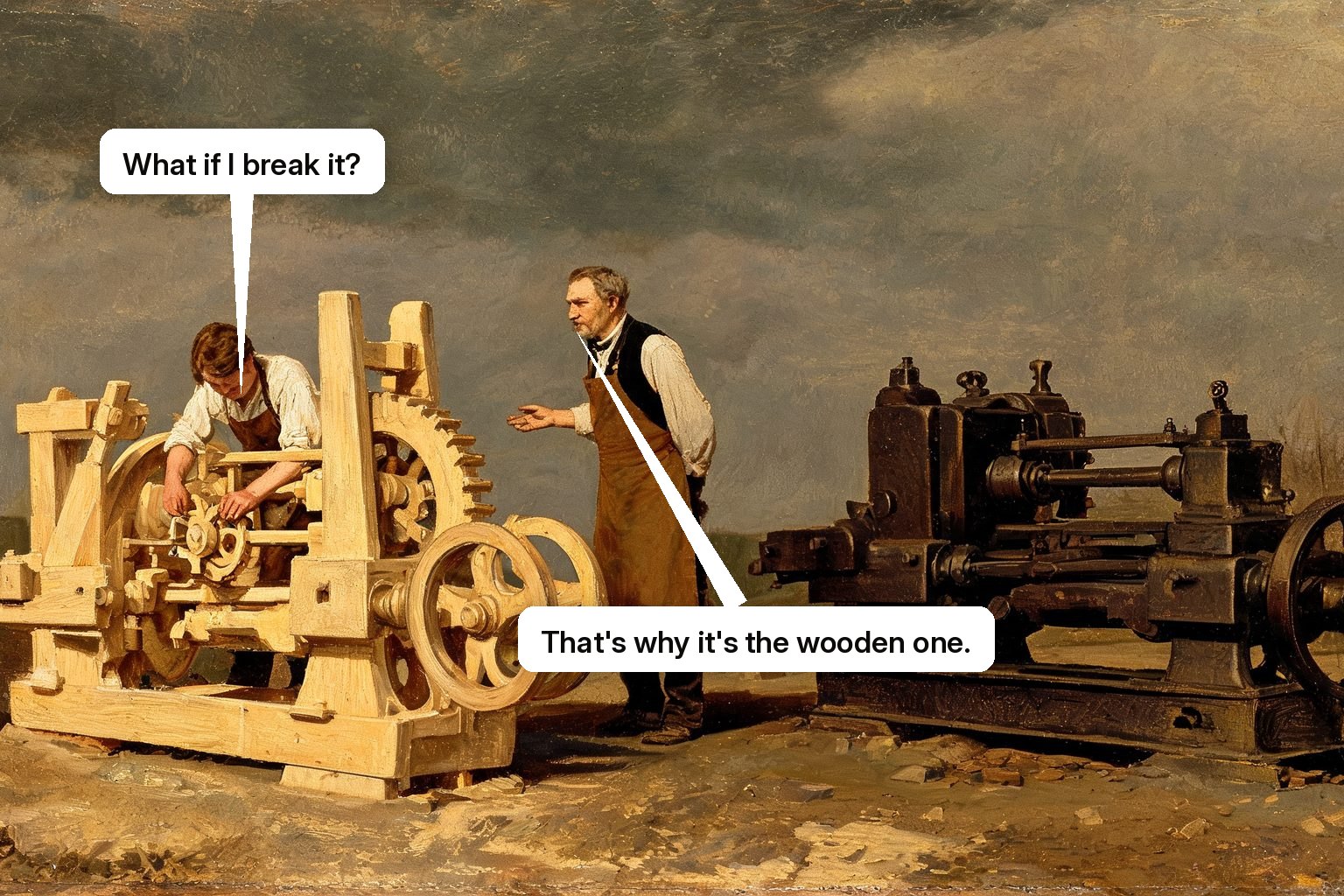
Practice mode is a safe environment inside your product where users learn workflows by performing them, on realistic scenarios, with an AI coach watching and correcting. It applies the oldest finding in skill acquisition, people learn by doing with feedback, to software, where "doing" used to mean risking real data and "feedback" used to mean a colleague's spare time.
Why doing beats watching, structurally
Learning science calls it retrieval practice: skills consolidate when the learner produces the action, not when they recognize it in someone else's demonstration. Watching a video of a workflow and performing that workflow are different cognitive acts, which is why binge-watching your academy produces users who freeze at the real interface. The catch has always been the two missing ingredients: a safe place to attempt (nobody wants to learn on live customer data) and a coach who watches the attempt (feedback is what turns repetition into skill). Practice mode is the safe place. The AI coach is the feedback.
What does the AI coach actually do?
Four things a sandbox alone can't. It sets the scenario: a realistic case matched to the learner's role and level, not a blank canvas with no instructions. It watches the attempt: the coach sees the learner's screen, so hesitation, wrong turns, and dead ends are visible as they happen. It corrects in the moment: a nudge at the wrong click, a question when the learner picks the odd setting, an explanation when they ask why. It escalates difficulty: clean case, then the exception, then the edge case that generates your support tickets, until the workflow is performed unassisted. A sandbox without a coach is poking around. Practice mode with one is training.
How is this different from demos and tutorials?
A demo shows what the product can do; the presenter performs. A tutorial describes what the user should do; the user translates. Practice mode inverts both: the learner performs and the coach responds. It's also always on, which matters more than it sounds: practice can happen the evening before the rep's first live customer call, or the moment a user decides to finally learn the reporting module, no session to schedule, no cohort to wait for.
Where does practice mode fit in a training program?
Between demonstration and real work. A sound sequence: watch the workflow demonstrated on your own screen, attempt it in practice mode until unassisted, then perform it live with the coach one keystroke away. Spaced repetitions in practice mode also solve refresher training, the skill decay nobody budgets for. (Disclosure: an always-on practice mode inside the product is half of how Skippr's Skippr AI training trains, the other half being live sessions on video calls; both feed one agenda per learner.)
Questions buyers actually ask
Is practice mode just a sandbox?
No. A sandbox is an empty safe space. Practice mode adds scenarios, an observing coach, in-the-moment correction, and rising difficulty, the ingredients that turn attempts into skill.
Won't users skip practice if it's optional?
Some will, until it's short, relevant, and at the moment of need: a ten-minute scenario before a task beats a mandatory hour after it. Position practice as preparation, not homework.
Watch it train someone
Completion is not competence, and the difference shows up in the product rather than the dashboard. Fifteen minutes is enough to tell them apart.