
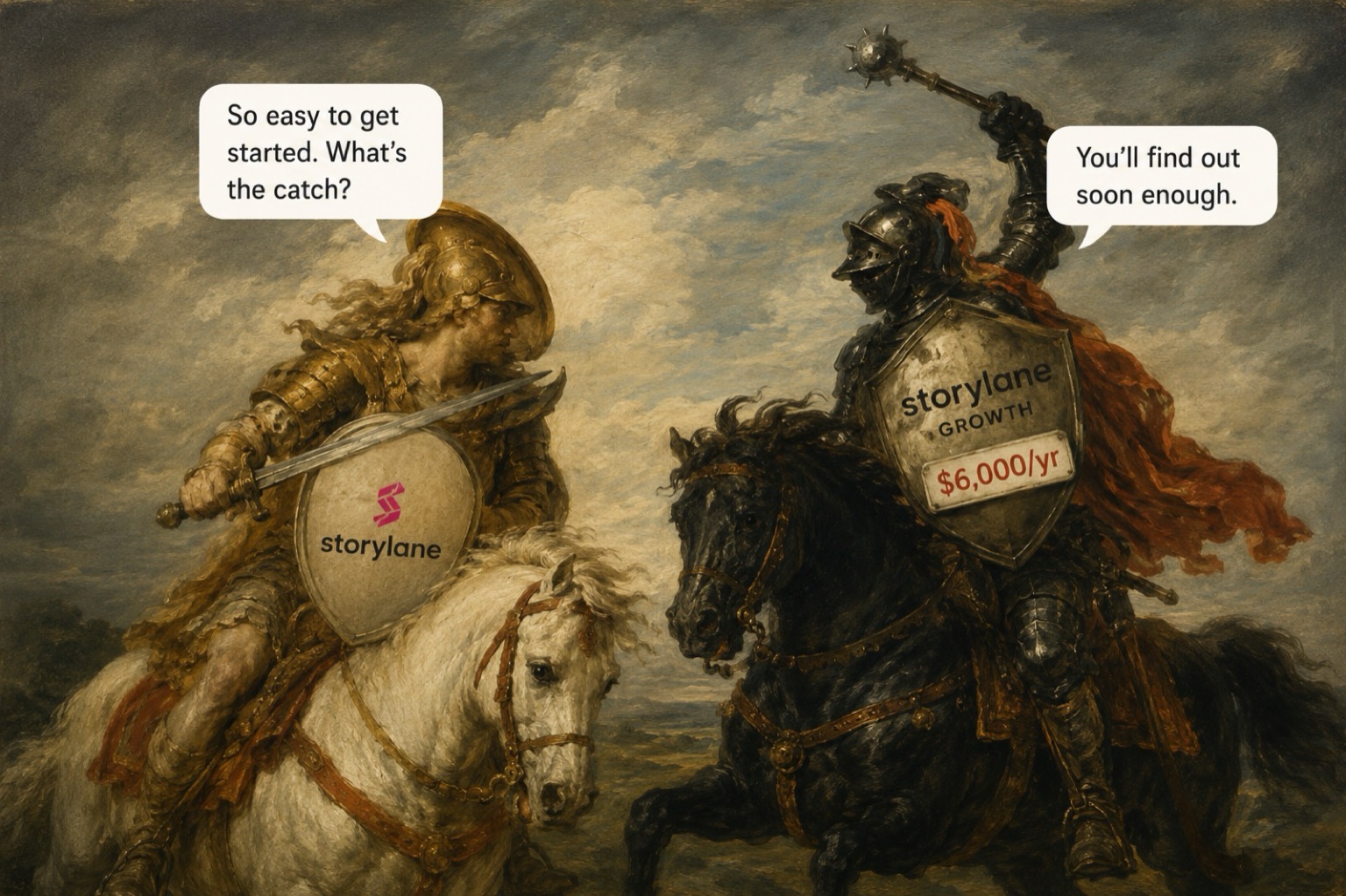
Storylane is the fastest way to get a decent interactive demo live, and it is honest about pricing. Two things to know before you buy: the mode you actually want starts at 12× the advertised entry price, and nothing keeps your demos in sync when your product changes.
At a glance
Prices and plan details checked July 2026 against Storylane's own pages.
- Realistic price $500/mo
- Billed yearly, where editable HTML demos start
- Strongest at
- Getting a good demo live without involving engineering
- Weakest at
- Staying current as your product ships changes
The two capture modes are the whole story
Almost every question about Storylane comes back to which mode you are on. They behave differently, and they sit on opposite sides of a large price step.
Screenshot mode captures images
Storylane takes a picture at each click and stitches the flow into a guided walkthrough. The documentation is upfront that this suits flows which do not need on-screen editing.5 This is what the free and Starter tiers give you, and it is what most trial users are evaluating without realising it.
HTML mode captures a working replica
HTML mode records a responsive copy of your interface that keeps buttons, scrolling and interactions intact. You can then edit it: change copy, swap images, blur or delete elements, run a search-and-replace, or describe a change and have it applied across every screen at once.67
This is what people mean when they say "interactive demo", and it starts on Growth at $625 a month, or $500 billed yearly.1
Neither mode connects to your live product
Both produce replicas. Storylane's documentation describes no mode that runs against a live instance of your software.5 That is a reasonable design decision, and it is also the root of the maintenance problem below.
Budget for $500 a month, not $40. Screenshot mode is a trial tier in practice, and the editable HTML mode most teams actually need starts three tiers up.
Getting started is genuinely excellent
Capture runs through a Chrome extension, with desktop apps for Mac and Windows and a Figma plugin if you want to demo something you have not built yet.5 No engineering involvement is needed for ordinary capture, and reviewers back that up consistently.
It literally took me minutes to capture my product's flow and turn it into a guided tour.
Turn a product walkthrough into a polished, interactive demo without needing a developer or a designer.
Storylane also sells an AI agent layer called RepX, which answers visitor questions from custom question-and-answer pairs and adapts what a visitor sees to the persona they describe. RepX Chat is priced separately and starts at $2,000 a month for up to 10,000 monthly visitors1, above the top published demo tier, so cost it as a second product rather than an add-on.
Time-to-first-demo is Storylane's real strength, and it is not disputed. If your only requirement is getting something live quickly, this is a short evaluation.
Storylane does not promise your demos stay current
This is the part existing reviews cover worst, and the part that decides whether Storylane is cheap or expensive over three years.
We went looking for a commitment that a captured demo updates itself when your product's interface changes. Storylane's documentation makes no such claim anywhere we looked.5 That is not the same as saying demos break silently, it means the behaviour is undocumented, so if it matters to you, get it in writing before you sign.
What the docs do describe is a good set of tools for fixing drift after it happens: in-place edits to HTML screens, swapping a background screen for one from another demo, and AI edits propagated across screens in a single action.7 Useful, but all of it is work you do once something is already out of date.
Reviewers describe that work as ongoing rather than occasional.
The RepX training workflow is manual in a way that becomes a bottleneck as product surface area grows. For teams with deep or frequently updated product content, that's a real ongoing time investment.
Multi-language demos must be rebuilt manually for each language. Change the original and you change every translation by hand.
You will find comparison pages quoting a specific maintenance cost for tools in this category, usually somewhere around fifteen to twenty-five hours a month. We could not find a named source for any such figure, so we are not repeating one. The quotes above are what identified reviewers actually said, and they are the honest answer: it is real recurring work, and nobody has credibly measured how much.
Storylane gives you good tools for repairing demos, and no documented mechanism for preventing drift. Price the upkeep as recurring headcount time, not a one-off setup cost.
What each tier holds back
Storylane publishes its prices, which is more than most of this category manages. The gating, though, is scattered across the documentation rather than the pricing page, and it is where trials tend to hit a wall.
| Capability | Starts on | Why it matters |
|---|---|---|
| HTML demos and editor | Growth | The difference between a clickable replica and a slideshow6 |
| A/B testing | Growth | Compares completion, clicks, lead capture and intent8 |
| Custom subdomain | Starter | Demos on a Storylane subdomain9 |
| Your own domain | Premium | A $1,200/month requirement for a branded URL9 |
| Single sign-on | Premium | A routine security requirement, three tiers up1 |
| Offline demos | Premium | Conference use without reliable wifi1 |
| External API | Enterprise | Any automation becomes a sales conversation10 |
Read from Storylane's documentation and plan page, 31 July 2026. Full breakdown on the Storylane pricing page. Last verified 31 July 2026.
Check three things against your requirements before trialling: whether you need your own domain, SSO, or the API. All three sit above Growth, and none are obvious from the pricing page.
Other limits worth knowing
- Media-to-Demo runs on credits, and the documentation still describes the exact allowance as being finalised. Ask what you get.5
- Mobile demos are captured as a mobile-sized browser view, so your product needs to be responsive. Capturing a native iPhone app requires screen mirroring on a recent macOS.5
- Storylane lists voiceover support, autoplay, keyboard navigation and enhanced text and voice, but describes WCAG certification as planned rather than done. If accessibility is procurement-blocking for you, that is a conversation.11
Security holds up, but most of the evidence is gated
Storylane's trust centre lists a SOC 2 report for 2026, along with its policies, a penetration test and a DPA. Nearly all of it sits behind an access request.11 The privacy policy sets out GDPR and UK GDPR bases for processing, and Storylane supports SSO and SCIM, with SSO on Premium.12
Three things are not public at all: any ISO 27001 claim, where data is hosted, and a full subprocessor list. Stripe is the only one named, for payments.12 None of that is unusual for a company this size.
Nothing here should block a deal, but if your security review needs ISO 27001, hosting regions or a full subprocessor list, start the trust-centre access request in week one.
Who should buy it
Good fit
- Go-to-market teams who need a demo live quickly and without engineering
- Teams who need editable HTML replicas and can justify Growth pricing
- Marketing teams embedding demos, capturing leads and measuring engagement
- Sales teams wanting presenter mode, CRM data flow, or offline demos for events
Poor fit
- Anyone on a tight budget who needs editable HTML, which is a $6,000-a-year starting point
- Teams who need a documented guarantee that demos track product changes
- Teams needing API access without an Enterprise contract
- Buyers who need ISO 27001, hosting regions or a full subprocessor list up front
- Anyone maintaining demos in several languages, given the manual rebuild per language
Skippr runs the demo instead of recording it
Skippr AI demo is a live AI employee for product demos. It joins the session, sees the prospect's screen, answers questions as they come up, and can complete the flow rather than pointing at it. Different mechanism, different failure modes. We compete with Storylane, which is why we have sourced every figure above rather than asking you to take our word for it.
Our pricing model, for contrast: Skippr is priced per session rather than per seat, published from $149/month with a $599/month tier.13 Storylane's model is per-seat with published tiers; whether that suits you depends on whether your demo volume or your headcount is the thing that grows.
Same job, different mechanism. Storylane answers the same question a different way.
Storylane is not ranked against Skippr anywhere above. A ranked list would imply a like-for-like comparison that does not hold.
Which one you should pick
| If you want… | Choose |
|---|---|
| A demo live this week, without engineering | Storylane |
| An editable HTML replica you can restyle | Storylane (Growth) |
| The cheapest usable screenshot demos | Storylane (Starter) |
| A/B testing on demo variants | Storylane (Growth) |
| Offline demos for conferences | Storylane (Premium) |
| Demos on your own domain | Storylane (Premium) |
| Programmatic demo creation via API | Storylane (Enterprise) |
| To compare against the closest direct rival | Navattic vs Storylane in progress |
| Someone to answer the buyer's question live, mid-demo | Skippr AI demo |
| The demo to complete the flow, not just show it | Skippr AI demo |
Decision routes, not feature scores. Skippr appears only where the difference is categorical rather than a matter of degree.
Questions buyers actually ask
Can Storylane do HTML demos, or is it screenshots only?
Both. Screenshot mode is available from the start; the editable HTML replica starts on Growth.6
Are the demos genuinely clickable?
Yes. HTML demos keep buttons, scrolling and interactions working. Screenshot flows add guided clickable steps over captured images.5
Does it do narration or pop-up guidance?
Yes. The docs cover guided steps and optional voiceover, and the plans list AI video and voice features.1
What will it actually cost us?
If screenshots are enough, $480 a year for one seat. If you need editable HTML, $6,000 a year for five seats, plus $1,200 per extra seat. Full breakdown on the pricing page.1
Can we buy it outright instead of subscribing?
The public plans are monthly or yearly subscriptions only, and no perpetual licence is mentioned. We could not establish whether one exists.1
Can we use it for customer training?
Up to a point. Storylane's own material lists onboarding and feature-adoption guides as customer success use cases.11 Whether it covers course structure, completion tracking or certification is not something public evidence answers.
Is there an alternative that runs the demo live rather than recording it?
Yes, though it is a different category rather than a better tour. Storylane and its direct rivals all produce a recorded artifact the prospect clicks through alone. A live agent joins the session instead, answers questions as they arise and can complete the flow. Skippr sells one, see our disclosure for why we would say that.
Storylane or Navattic?
We are not answering that here. A fair comparison needs the same depth of evidence on Navattic, and we have not done that work yet. It will be its own page at navattic vs storylane, not a paragraph on this one.
If you want to see the live version
Skippr AI demo works the way a good solutions engineer does, answering the question the buyer actually asked, in the product, on a call. Fifteen minutes is enough to judge whether that beats a recording for your sales motion.
Sources
- Storylane plans and pricing
- Storylane's seller profile on G2
- Storylane reviews on TrustRadius
- Hackceleration's independent Storylane test
- Storylane docs: quick start, capture options, Media to Demo
- Recording HTML demos
- Storylane changelog
- A/B testing
- Custom domain
- External API
- Storylane trust centre
- Storylane privacy policy
- Skippr pricing
- Identified Storylane reviews on G2